

Agent modes
Agents can be used through different surfaces depending on the job:- Chat Mode is for conversation, one-off work, explanations, and follow-up questions.
- Operator Mode is for changing how the agent works.
- Run Mode is for public run links where someone can run or review the agent without the builder surface.
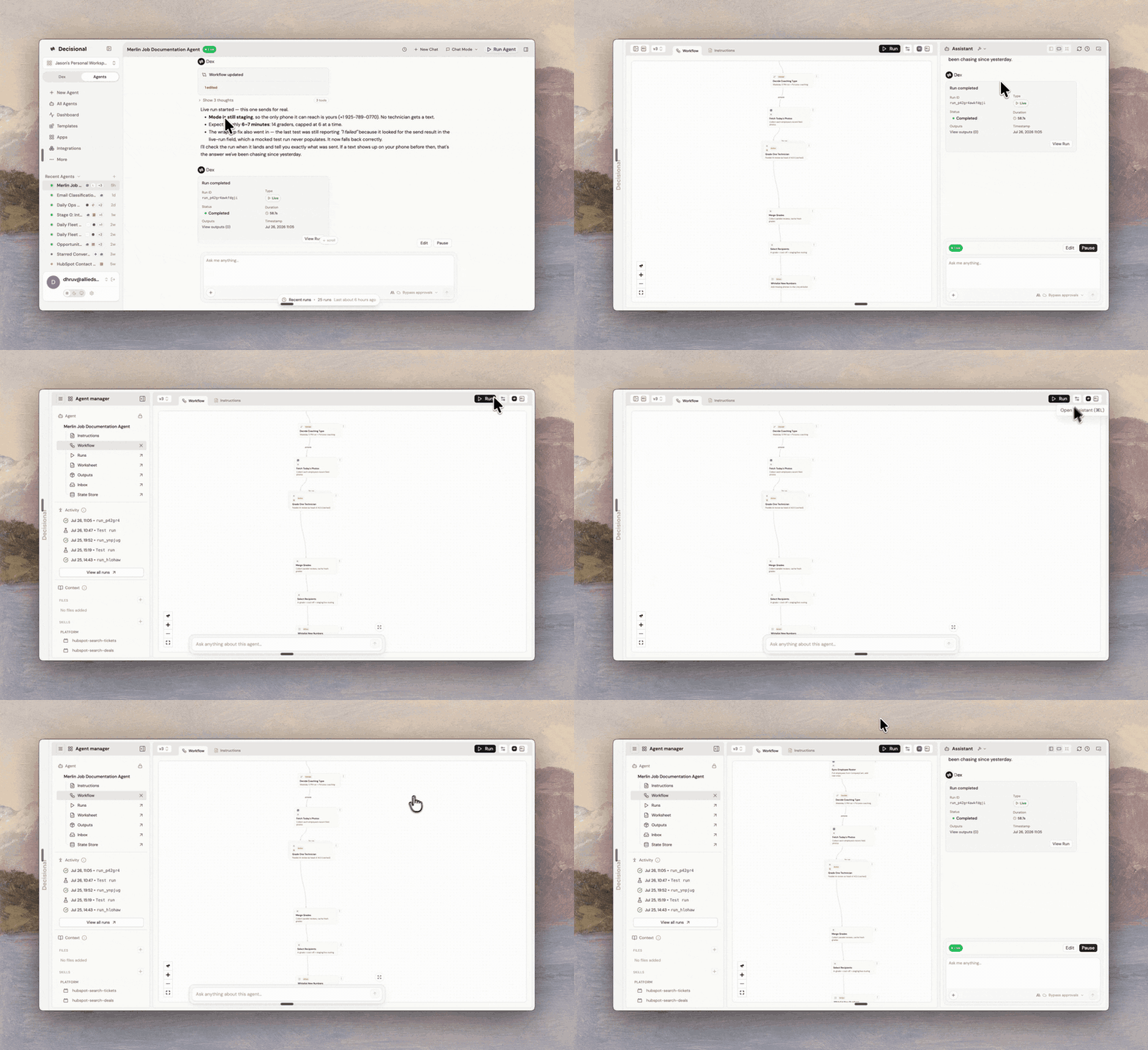
Agent operating modes
An agent can be used in different modes depending on who is using it and what they need to do.Chat Mode
Chat Mode is the everyday conversational surface for an agent. It is best when you want to ask the agent to explain a result, process a small request, answer questions over its sources, or continue an existing thread. Chat Mode keeps configuration changes controlled. If a request requires editing integrations, workflow structure, triggers, or other operator-level settings, the agent will route you to Operator Mode.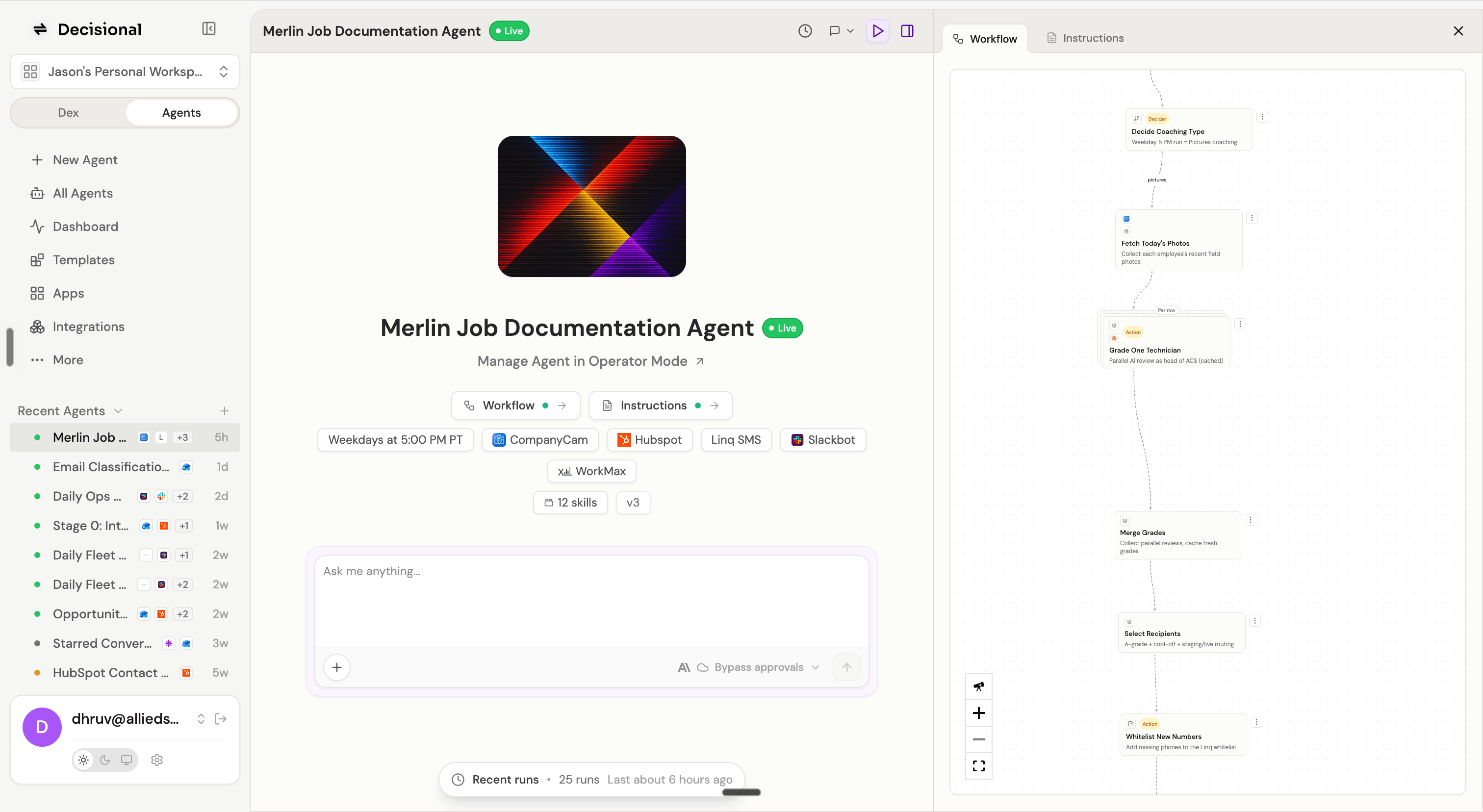
Operator Mode
Operator Mode is the builder and control room for an agent. Use it when you need to change how the agent works, not just ask it to do work. Operator Mode includes:- Agent instructions and build context
- Workflow viewer and node configuration
- Connected tools and credentials
- Triggers and schedules
- Skills and sources
- Runs, logs, failures, and pending reviews
- Agent-level approval settings
Run Mode
Run Mode is the shareable run experience for an agent. When an agent is made public, anyone with the link can view and run that agent from the focused public surface. Run Mode is useful for:- Intake workflows
- Customer-facing request flows
- Vendor or partner review
- Internal forms where most users should not edit the agent
- Approval pages where a stakeholder only needs the context and decision controls
Choosing a mode
Need an answer?
Use Chat Mode.
Need to change behavior?
Use Operator Mode.
Need to share a run?
Use Run Mode after making the agent public.
Related docs
Approvals and Policy
Learn how approval modes, bypass approvals, and global policy work.
Working with Agents
Build and manage agents end to end.