

Overview
The State Store is the agent’s durable memory for small pieces of structured data that must survive between runs. Workflows are otherwise stateless: if a later run needs to remember what an earlier run already processed, the workflow must save that information here. Good uses include:- de-duplication markers, such as IDs that were already processed
- cursors, counters, flags, and last-run timestamps
- short-lived locks or values that should expire automatically
- progress that another node or future run needs to continue
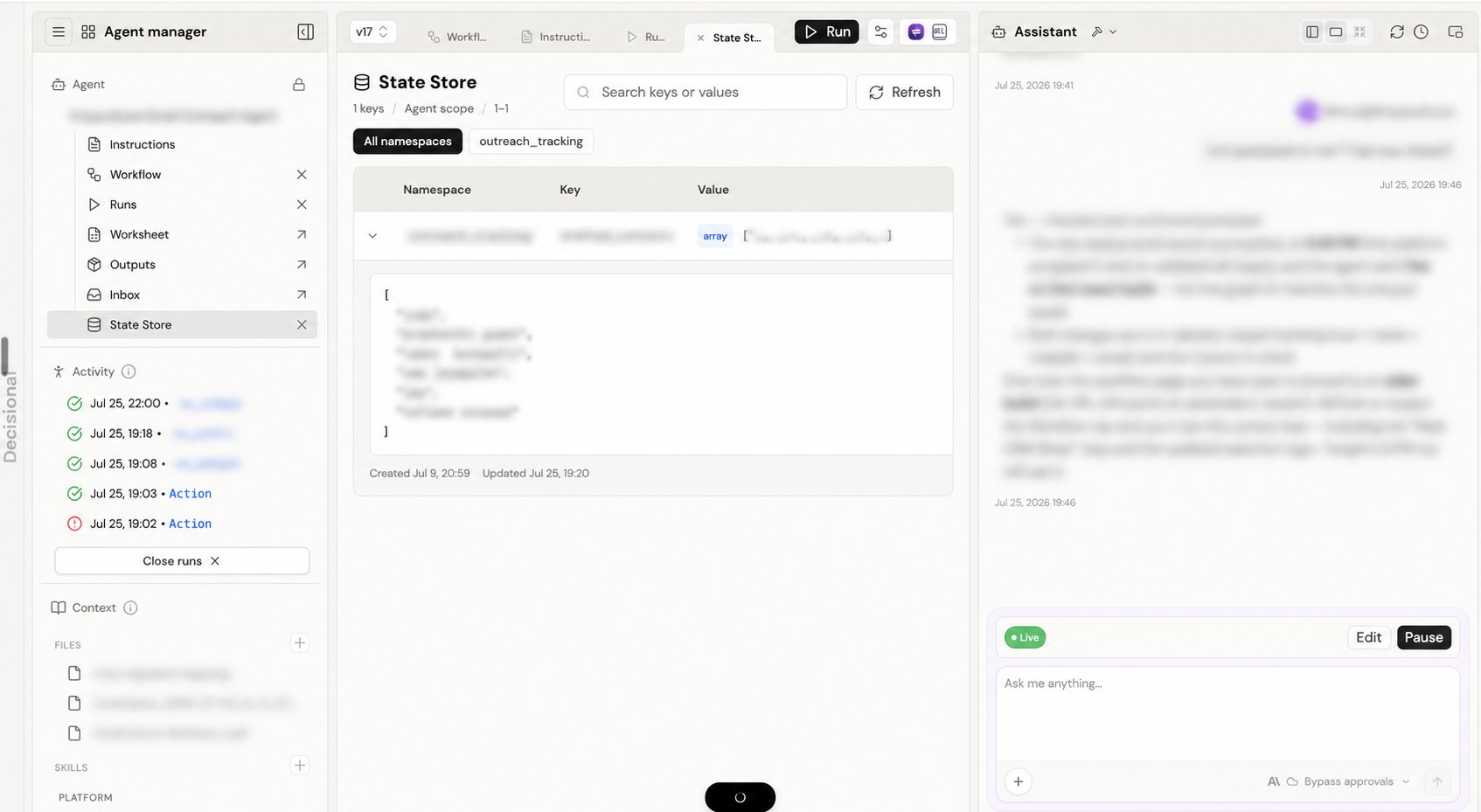
Inspect saved state
Open State Store from Agent Manager to inspect what the agent currently remembers. You can search keys and values, filter by namespace, refresh the list, and expand a row to read the full JSON value. This screen is an inspection surface. The workflow’s state tools create, update, or delete entries while it runs.Related docs
Outputs
Learn where files and other run deliverables are stored.
Monitoring Runs
Inspect the runs that read or update agent state.