

Overview
Outputs are files and artifacts created by agent runs. Examples include a generated PDF, spreadsheet, presentation, image, or exported report.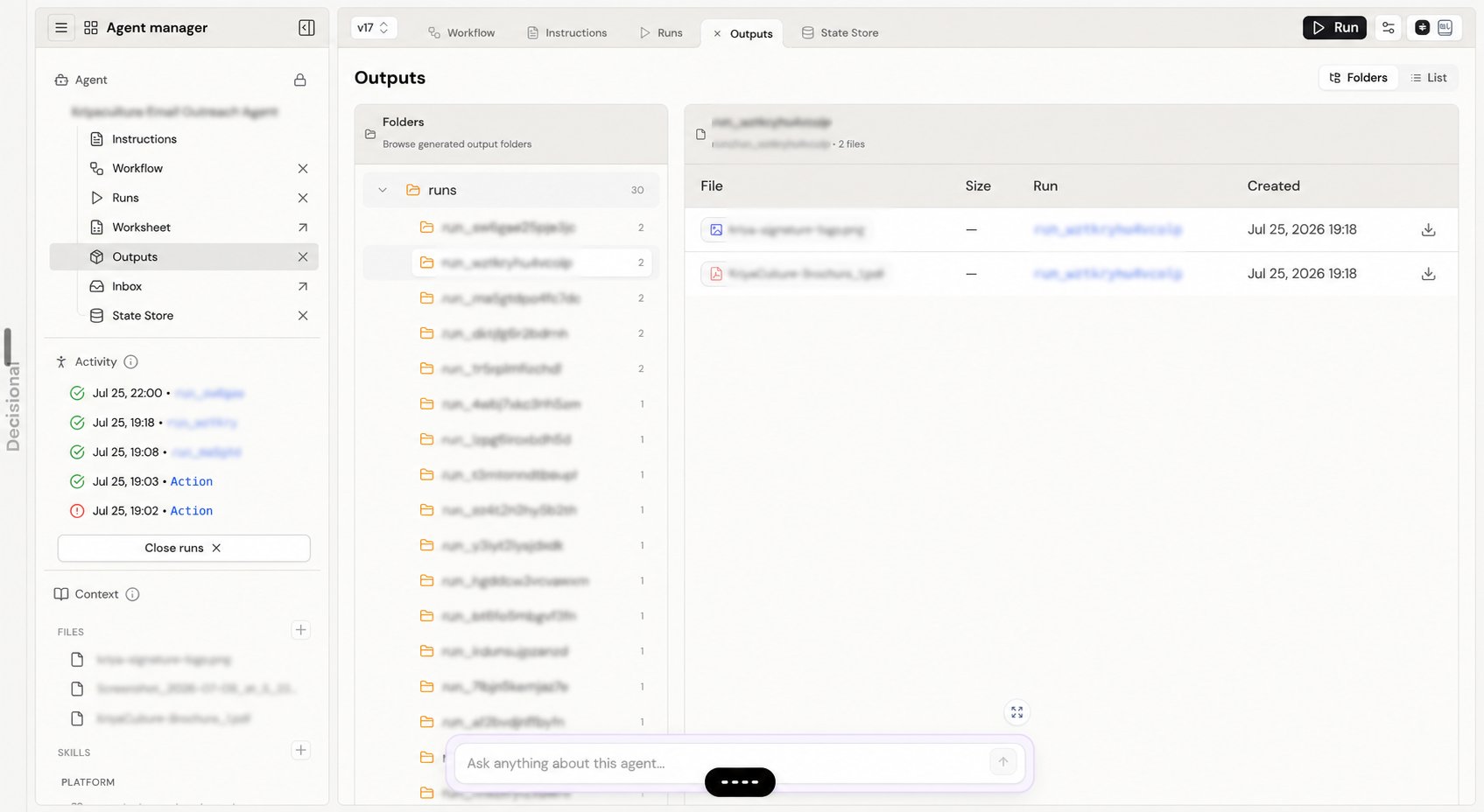
Browse outputs
The Folders view groups files by their virtual path, which commonly includes the run that created them. Select a folder to see its files, size, run, and creation time. Use List to scan all outputs in one table.Preview and download files
Click a file to preview it. Spreadsheet files open in a workspace tab, while supported documents open in the document preview. Use the download button when you need a local copy. The run link helps you trace an artifact back to the execution that produced it.An output is a deliverable, not memory. Saving a file does not replace State Store when the next run needs a reliable de-duplication marker, counter, cursor, or status value.
Related docs
State Store
Learn where agents keep small pieces of durable operational memory.
Monitoring Runs
Trace an output back to the run that created it.